
GUIDES, RESOURCES & INSIGHTS
A web application can work perfectly in Chrome and still fail in Firefox, Safari, or Edge. A menu might shift out of place, a form may become unusable, or JavaScript may behave differently on a particular operating system. Cross-browser testing tools help development and quality assurance teams catch these problems before they affect visitors. This guide compares five platforms for automated browser testing, visual regression testing, real-device coverage, and enterprise quality assurance.
Good browser compatibility is about more than a page loading successfully. The experience should remain usable across screen sizes, browsers, and input methods. For the fundamentals, see our guide to making websites cross-browser compatible.
Not every testing platform suits every team. Some focus on visual differences between browsers, while others automate functional tests across extensive combinations of devices and operating systems. The biggest distinctions include AI-assisted test creation, self-healing test logic, real-device availability, and the level of technical knowledge required to maintain a test suite.
Start with the browsers and devices your visitors actually use. Next, consider how tests fit into your continuous integration and continuous delivery (CI/CD) process. An automated test is most valuable when it runs consistently after changes and produces results developers can act on. Teams with frequently changing interfaces should also look closely at how a platform handles renamed elements, altered layouts, and other changes that often break traditional scripted tests.
Before selecting a service, define a small set of representative journeys such as signing in, submitting a form, searching for a product, or completing a checkout. Compare how reliably each candidate executes those journeys across your required environments. If your site's layout changes substantially between devices, our article on responsive website design explains why viewport testing should be part of that evaluation.
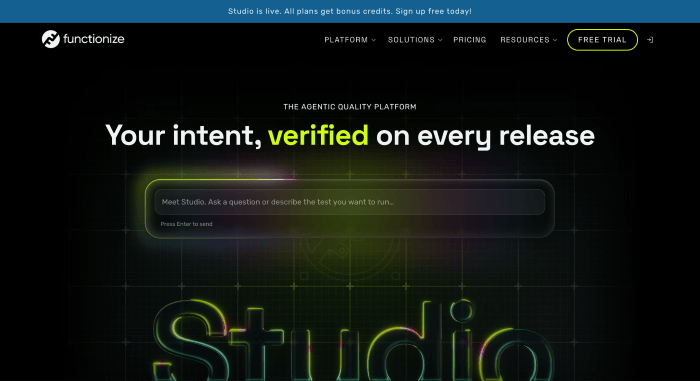
Functionize is built around specialized testing agents designed to create, execute, and adapt automated tests as applications evolve. Its approach is particularly useful for teams that maintain large test suites but want to spend less time repairing scripts after routine interface changes. Non-technical participants can also contribute to test creation without following a fully code-driven workflow.
The platform reports that teams can create and deploy tests substantially faster than with traditional scripting. The original article cites a GE Healthcare example in which testing work was reduced from 40 hours to 4 hours, and a McAfee example describing a reduction from hours to minutes. These are vendor-associated examples rather than guarantees of what another organization will achieve.
Functionize also emphasizes enterprise-scale browser coverage, including Chrome, Firefox, Safari, and Edge, along with AI-assisted maintenance. The source article describes a large enterprise client base, specialized models trained on substantial testing data, and external industry recognition. Teams assessing it should verify that their specific browsers, versions, and device requirements are supported under the plan they are considering.
It's no wonder that tools for automated cross-browser testing by Functionize handle testing across Chrome, Firefox, Safari, and Edge simultaneously without requiring manual script maintenance.
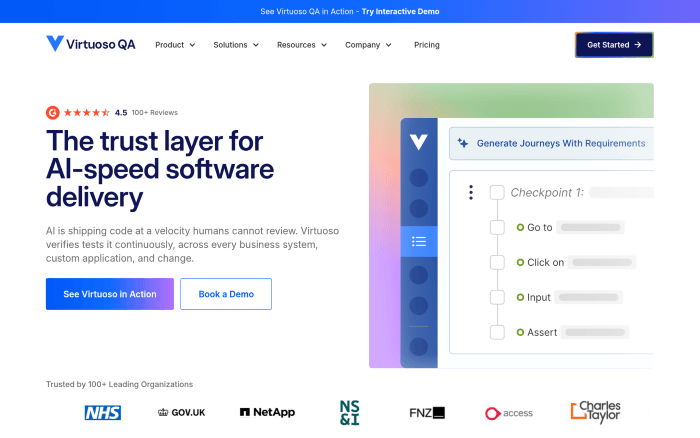
Virtuoso QA was co-founded by Andrew Doughty, Adil Mohammed, and Hugo Farinha and is headquartered in London. It brings web testing, API validation, regression testing, agentic testing, and business-process orchestration into one environment. The platform also provides root-cause analysis to help teams understand why a test failed instead of simply marking it unsuccessful.
Its low-code and natural-language authoring options make automated testing more accessible to analysts and quality assurance staff who do not write application code. Self-healing capabilities can reduce maintenance when a page changes, while its combination of web and API testing helps teams check whether a problem comes from the interface or an underlying service.
One point of differentiation is the company's AI-first design philosophy. Rather than retrofitting artificial intelligence into an older framework, Virtuoso QA was designed around machine learning and natural-language processing. This can appeal to organizations modernizing a legacy testing process, although evaluating the workflow with actual application scenarios is still important.
For teams improving a site alongside its testing practices, our guide to website design, usability, and performance improvements provides related checks worth including in a release process.
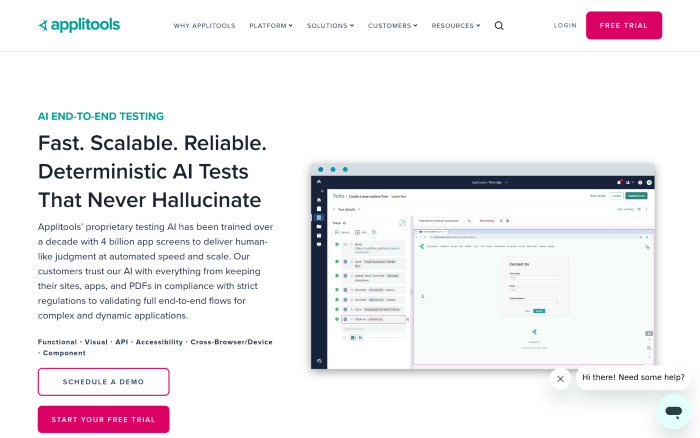
Applitools specializes in a type of failure that conventional functional tests may miss: the page technically works, but it does not look right. Applitools Eyes uses Visual AI to detect unexpected rendering differences across browsers, screen sizes, and devices. Such differences can include displaced buttons, clipped text, altered spacing, and components that appear outside their intended positions.
Applitools Autonomous adds AI-assisted recording and natural-language test authoring. The broader Intelligent Testing Platform covers web and native mobile applications, user-interface components, PDFs, API workflows, and accessibility-related testing. According to the source material, its Visual AI technology has been trained on billions of application screens.
Pricing is structured around factors such as test execution volume, concurrency, and user access. That can suit teams with variable workloads, but organizations that mainly need straightforward browser compatibility checks should evaluate whether dedicated visual testing capabilities justify the expense.
Visual checks are especially useful after making changes to website layouts, navigation, forms, and mobile styling. A passing functional test cannot always reveal whether those changes introduced an awkward or unusable interface.
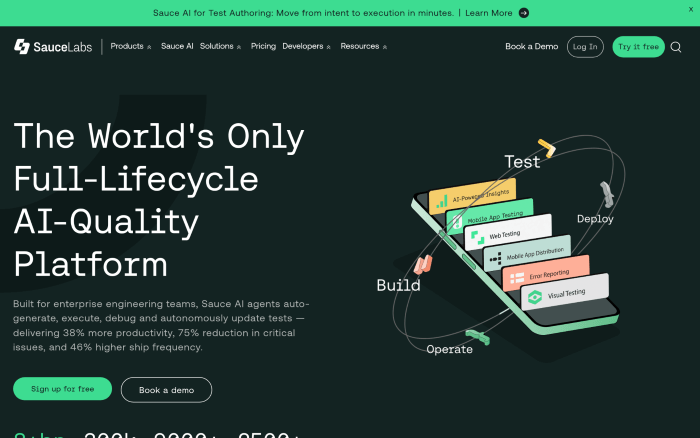
Sauce Labs provides cloud infrastructure for running tests against different browsers, operating systems, and mobile devices without requiring an organization to maintain its own extensive device lab. The platform combines automated web testing, mobile testing, visual testing, AI-assisted test authoring, error reporting, and quality analytics.
Its broad environment coverage makes it attractive to development teams that release frequently and depend on parallel testing to keep builds moving. Running tests across multiple configurations can expose browser-specific failures earlier, and centralized reporting helps engineers investigate whether a failed run reflects a genuine bug, a test issue, or an environmental problem.
The original article describes a substantial customer and user base, including organizations such as Walmart, Bank of America, and Indeed. It also highlights the platform's extensive testing infrastructure. That breadth can introduce additional setup and administration work for smaller teams, especially those without dedicated test automation staff.
Cloud testing should complement, not replace, everyday website quality checks. Our guide to building and maintaining a professional website covers related planning considerations for site owners.
Tricentis Tosca approaches continuous testing through models of business processes rather than relying entirely on code-based test scripts. Teams can define important workflows and use those models to support GUI and API testing across complicated application environments. Its risk-based approach helps organizations concentrate testing effort on functions where failure would have the greatest business impact.
Vision AI supports user-interface automation by improving how the platform identifies and interacts with application elements. Self-healing capabilities are intended to reduce interruptions when interfaces change. The wider Tricentis product family includes qTest, NeoLoad, Testim, SeaLights, and testing solutions for enterprise environments such as ServiceNow and Salesforce.
The source article describes Tricentis as an established enterprise vendor serving thousands of customers, including McKesson, Accenture, Allianz, Telstra, and Vodafone. Tosca's breadth can be valuable for regulated industries and organizations working across many technologies, but adopting a model-based methodology takes training and careful initial planning.
Teams adopting a new testing tool should document consistent expectations for navigation, form behavior, and deployment. Our web design trends and usability guide offers additional context on the interfaces that testing processes need to support.
The right choice depends on the failures your team is trying to prevent. A company dealing with frequently broken test scripts may value self-healing automation above all else. A product with complex layouts might benefit more from visual regression detection. An organization supporting many mobile configurations may place the greatest weight on access to real devices and parallel test execution.
Run a proof of concept using your own application rather than relying on feature lists alone. Include a known browser-specific problem, a form workflow, a responsive layout change, and at least one intentionally modified user-interface element. Measure setup time, test stability, debugging effort, and the quality of failure reports. Ask each provider to demonstrate the exact browser and operating system combinations you require.
Website owners who are not working with a dedicated QA team can still follow the practical checks in our browser compatibility tutorial, browse additional web design and technology articles, or consult RSHWeb support resources for related site-management topics.
No single cross-browser testing platform is the best fit for every application. Functionize and Virtuoso QA focus on AI-driven authoring and test maintenance, Applitools is particularly relevant to visual quality, Sauce Labs emphasizes large-scale browser and device testing, and Tricentis Tosca addresses complex enterprise workflows with model-based automation.
Choose the tool that helps your team discover meaningful failures quickly, reproduce them reliably, and release with greater confidence. A smaller, well-maintained suite covering critical visitor journeys is often more useful than a large collection of tests that nobody trusts.
Cross-browser testing checks that a website or application works across different browsers, operating systems, and devices. A page may look correct in Chrome but have broken menus, forms, or layouts in Safari or Firefox. Testing the browsers your visitors use helps catch those differences before they interrupt important tasks.
There is no single best platform for every team. Functionize and Virtuoso QA focus on AI-assisted automation and test maintenance. Applitools specializes in visual comparisons, Sauce Labs offers broad browser and device coverage, and Tricentis Tosca supports complex enterprise workflows. Compare them using your own application and the browsers you need to support.
Manual testing involves people opening a site in different browsers and checking how it looks and behaves. Automated testing repeats predefined actions and checks for failures, often as part of a development pipeline. Automation is useful for frequent regression checks, while manual testing helps reveal usability problems and unexpected behavior that scripts may miss.
Some platforms use self-healing features to adapt test steps when interface elements change. That can reduce the time spent repairing test scripts, particularly on frequently updated applications. Self-healing does not fix defects in the application itself, and teams should review automatic changes to ensure tests still verify the intended behavior.
Visual regression testing compares a page's appearance with an approved baseline and highlights unexpected differences. It can reveal clipped text, shifted buttons, missing components, or styling changes that ordinary functional tests overlook. Tools such as Applitools are designed for these checks, which are especially useful after changes to layouts or responsive styles.
Both are useful. Emulators and virtual environments make it convenient to check many configurations, while real devices help expose issues involving touch input, hardware, and mobile browser behavior. Choose a mix based on your audience and prioritize physical devices for workflows where mobile performance and interaction are especially important.
Run critical automated checks whenever relevant application code changes, and complete broader testing before major releases. Recheck key workflows after framework updates, design changes, or new browser releases. Sign-in, navigation, form submission, and checkout journeys deserve particular attention because failures can directly affect users.
Not automatically. A site can behave consistently across browsers and still be difficult to use with a keyboard or screen reader. Some platforms offer accessibility checks, but those should be supplemented with manual testing for focus order, labels, navigation, and assistive technology support.
Many tools can run browser tests within a continuous integration and delivery pipeline. When developers submit changes, the pipeline executes selected tests and reports failures before deployment. Parallel execution and diagnostic reports can make it easier to find browser-specific defects without delaying every release.
Start with the browsers and devices your visitors use most, then identify the website actions that must always work. Compare setup effort, test reliability, reporting, maintenance, and overall cost. A smaller testing suite covering critical user journeys can be more valuable than a complicated platform with features your team rarely uses.
Cross-browser testing is not a direct ranking guarantee. It helps prevent broken navigation, unusable forms, and mobile layout problems that can hurt the visitor experience. Search visibility also depends on content relevance, crawlability, indexing, page performance, and other factors, so browser testing should be one part of regular website maintenance.
Digital content writer with a passion for crafting engaging and informative copy. With over 9 years of international copy writing experience and...
This policy contains information about your privacy. By posting, you are declaring that you understand this policy:
This policy is subject to change at any time and without notice.
These terms and conditions contain rules about posting comments. By submitting a comment, you agree with these rules:
Failure to comply with these rules may result in being banned from submitting further comments.
These terms and conditions are subject to change at any time and without notice.
Tweet Share Pin Email
 What are The Best Self-Hosted Social Networking Programs or Apps?
 What are The Best Self-Hosted Customer Support Programs
 The Best 12 URL Shortening Tools
 Website and technology related posts
Comments