



In a market where timing, relevance, and personalization are essential, the tools you rely on determine if you find prospects relevant to your brand or if you’re shooting in the dark. This guide breaks down and compares different B2B lead generation tools to help you avoid the cost of making the wrong choice. You’ll better understand each platform’s strengths, limitations, and ideal use cases.
1. Instantly
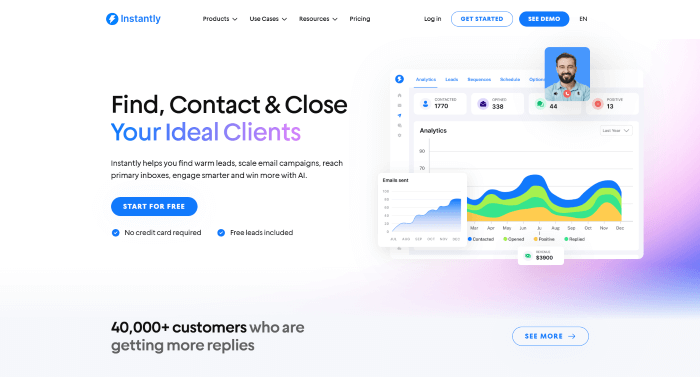
Instantly leads this list with its Supersearch feature, which makes finding the right prospects to fill your pipeline as easy as a single description. Users can detail their ideal leads, down to target industry, role, company size, and more, and have Supersearch translate these requirements into precise targeting. Powered by a database of 450 million verified leads, this approach makes it easier to quickly surface highly relevant prospects.
Key Features:
• An enrichment method that draws from over seven trusted providers.
• One-click lead list enrichment.
• Personalized leads using AI.
• Uncover vital information using the AI web scraper.
• A large lead database of over 450 million verified leads.
Verdict: Instantly is a great choice for teams looking to efficiently draw from a large lead database. Supersearch greatly simplifies finding the right leads, and while it is sold separately as a standalone subscription, it’s well worth it.
2. AeroLeads
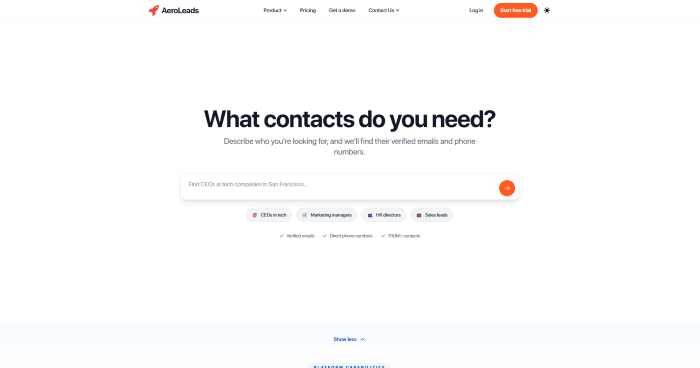
AeroLeads offers a unique solution for teams that enjoy browsing LinkedIn for potential leads. It can extract the contacts you need, like verified email addresses and phone numbers, from provided LinkedIn URLs, making it especially useful for turning existing profile lists into actionable outreach data.
Key Features:
• A sizable lead database trusted by major brands like IBM and Microsoft.
• Data enrichment that increases the value of your lead lists.
• A Chrome extension that finds lead data as you browse LinkedIn.
Verdict: AeroLeads offers value to teams hoping to start campaigns using targeted LinkedIn profiles as leads. While it lacks other supporting features, such as email verification or inbox placement testing, it is still a powerful lead-finding tool.
3. LeadsBridge
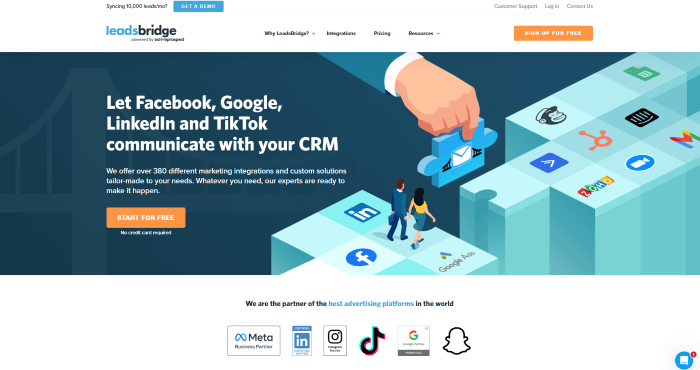
LeadsBridge’s powerful lead sync integrations seamlessly connect ad platforms to CRMs and marketing systems, ensuring leads captured from social campaigns are instantly routed and ready for follow-ups.
Key Features:
• Sync Facebook leads with your CRM of choice and engage with ease.
• Create ad campaigns that hit the mark with audience targeting.
• Easily integrate LeadsBridge with your choice of social media and marketing platforms.
Verdict: LeadsBridge is built for teams running paid and organic campaigns across social media. Sadly, it doesn’t have a lead database to draw from, but this weakness is overcome if your team drives enough traffic during ad campaigns.
4. DealFront
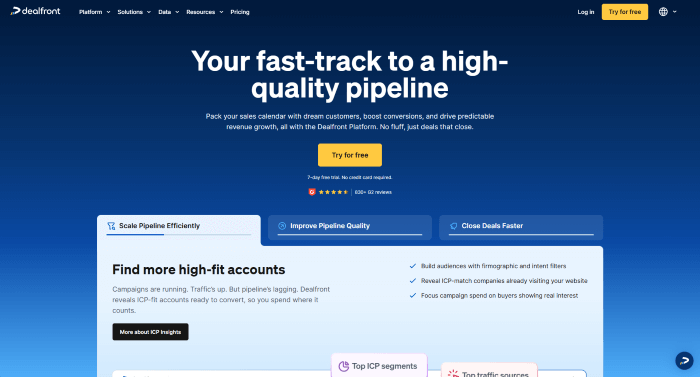
DealFront helps B2B teams uncover high-intent opportunities by identifying website visitors that closely match their ideal customer profiles. It allows sales and marketing teams to focus on best-fit prospects and engage them with more timely, relevant outreach.
Key Features:
• A sizeable B2B database with over 60 million professional profiles.
• Identify companies visiting your professional platform with Lead Feeder.
• Buyer intent signals that help your team focus on the leads that matter.
Verdict: DealFront is a good fit for teams with high-traffic web pages, hoping to convert that traffic into actionable lead data. Users have complained about its lacking database quality, but this shouldn’t be a problem if you focus on the leads visiting your platforms.
5. LeadPages
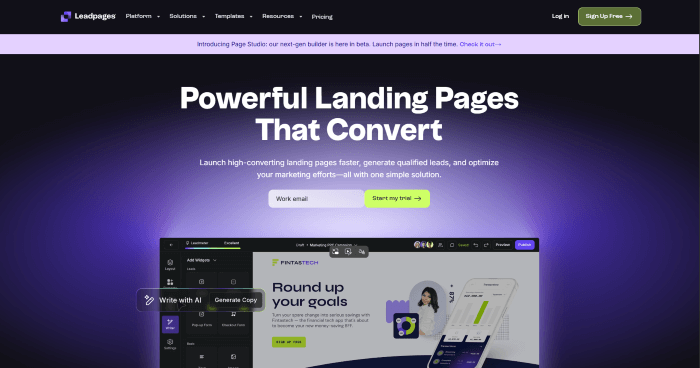
LeadPages gives sales and marketing teams a focused platform for building high-converting Landing Pages, with features such as form creation with built-in safeguards to reduce errors and ensure visitor information is captured accurately. This makes it easier to turn inbound traffic into clean, actionable data for sales teams.
Key Features:
• Lead management that lets you sort and edit your leads.
• Smarter forms for seamless lead capture.
• Instant notification every time a new lead is captured.
Verdict: LeadPages offers a solution for teams looking to generate leads from organic website traffic. While it lacks additional outreach features like deliverability tools, it’s still a powerful creation and management tool.
6. Hunter
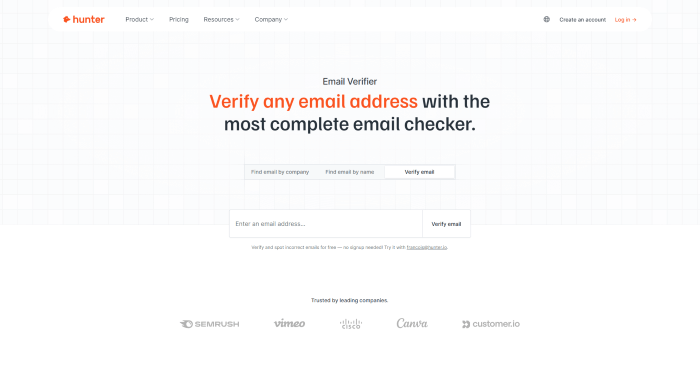
Hunter allows users to identify prospective businesses based on the technologies they use. This tech-based prospecting approach makes it easier to target the right accounts and run outreach that feels informed.
Key Features:
• Search for leads under company domains.
• Find prospects using intent data.
• Find the leads you need for your campaign in bulk.
Verdict: Hunter is a popular option for SaaS teams that want to anchor their outreach in relevance and timing. While it struggles to find information about small businesses, it is still a great fit for most tech-based outreach efforts.
Final Verdict
The right choice ultimately comes down to how well a tool supports speed, accuracy, and relevance in your outreach. Instantly stands out as the strongest all-round solution, combining scale, ease of use, and intelligent prospecting through Supersearch to help teams find and act on high-quality leads faster.
Ready to feel confident about your outreach? Try Instantly today and see how effortless lead generation can be when the tool works as it should.
We would love to hear from you. Share your experience or ask any questions in the comments below and we will be happy to help.
Add Comment
This policy contains information about your privacy. By posting, you are declaring that you understand this policy:
- Your name, rating, website address, town, country, state and comment will be publicly displayed if entered.
- Aside from the data entered into these form fields, other stored data about your comment will include:
- Your IP address (not displayed)
- The time/date of your submission (displayed)
- Your email address will not be shared. It is collected for only two reasons:
- Administrative purposes, should a need to contact you arise.
- To inform you of new comments, should you subscribe to receive notifications.
- A cookie may be set on your computer. This is used to remember your inputs. It will expire by itself.
This policy is subject to change at any time and without notice.
These terms and conditions contain rules about posting comments. By submitting a comment, you agree with these rules:
- Although the administrator will attempt to moderate comments, not all comments can be moderated at all times.
- You acknowledge that all comments express the opinions of the original author and not those of the administrator.
- You will not post material which is knowingly false, obscene, hateful, threatening, harassing or invasive of privacy.
- The administrator has the right to edit, move or remove any comment for any reason and without notice.
Failure to comply with these rules may result in being banned from submitting further comments.
These terms and conditions are subject to change at any time and without notice.
Tweet Share Pin Email
 Essential Search WordPress Plugins
 Essential Page Builder WordPress Plugins
 Essential Newsletter WordPress Plugins
 Essential Membership WordPress Plugins
Comments