


There is no single best logo maker. There is only the best one for your specific situation, and that depends on a few honest questions. What's your budget? Do you need a full brand kit or just a simple mark? Are you building a website at the same time? Is this a weekend side project or a business you're planning to grow?
This guide skips the arbitrary scoreboard and does something more useful. It matches each tool to the type of user it genuinely serves best. Think of it as a menu. Find your situation, find your tool, organized by who they're actually built for
Best for Small Businesses: Design.com
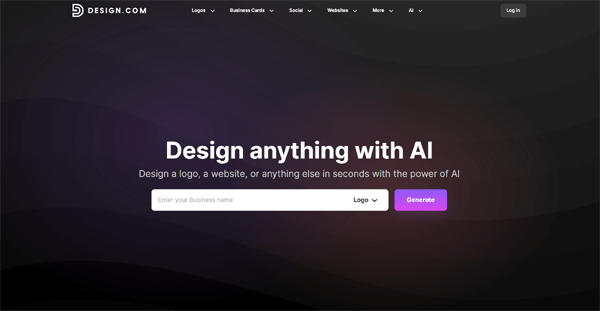
Small businesses face a branding challenge that most logo tools are simply not built to handle. A logo is just the starting point. You also need business cards that match it, social media posts that carry it consistently, and a website that reflects the same visual identity. Ideally, you want all of that without hiring a designer. Or managing five separate platforms at once.
That is precisely the problem the logo maker at Design.com solves. And it is why Design.com earns the top spot for small business owners.
Start with the template library. With over 400,000 exclusive logo templates, all created by professional designers and available only on Design.com, the breadth is genuinely unmatched.
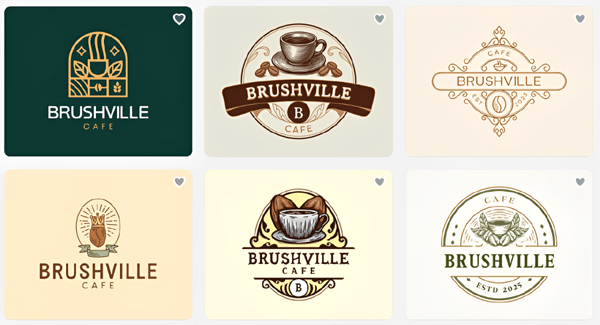
Opening a Café?
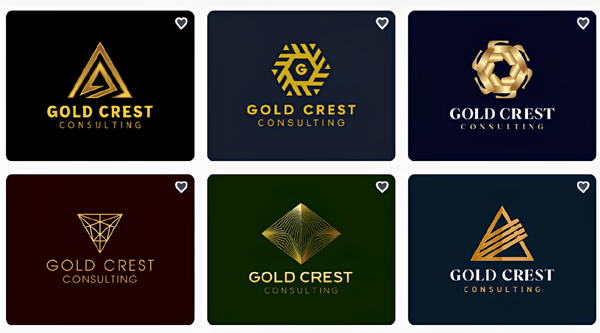
Launching a consulting practice?
Building a Wellness Brand?
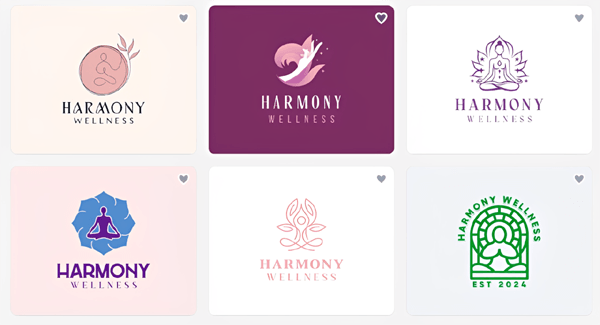
Industry filters surface relevant designs in seconds. Nothing in the library is recycled from stock icon repositories. In fact, if you were literally starting out and have no brand guidelines about colors and fonts, Design.com is the best place to start because most of the logos are ready-to-go without any manual tweaking on your end.
If you do find a logo you like but want to refine it further, the AI editing interface changes the experience entirely. Instead of hunting through sliders and dropdown menus, you simply type what you want. Ask it to shift the font to something more modern, or to make the icon lighter and increase the spacing. The AI applies those changes accurately and in real time. It is the closest thing to having a designer available on demand.
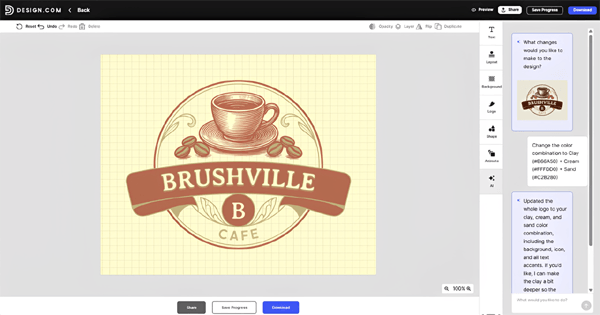
What sets Design.com apart for small businesses is everything that comes after the logo. Download your mark and you unlock a full branding ecosystem: a website builder, domain registration, digital business cards, a link-in-bio tool, and 50+ design tools covering flyers, posters, menus, presentations, and more.
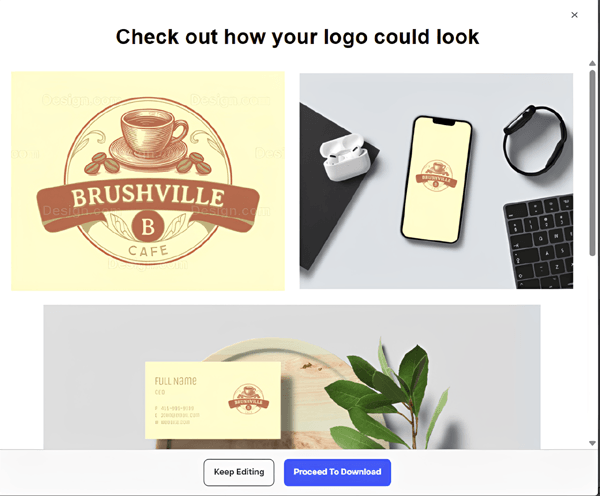
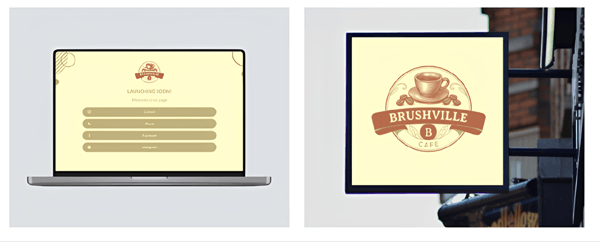
Every template on the platform automatically inherits your logo's colors and fonts. Your Instagram post and your letterhead will look like they came from the same designer, because effectively they did.
For businesses that need their logo removed from the public library so no competitor can use a similar mark, Design.com offers extended licensing. Physical printing is also built in, covering business cards, mugs, apparel, and mousepads with free delivery included.
Bottom line: If you are building a small business and want a logo that grows into a complete brand identity without switching platforms or hiring out, Design.com is the most complete solution available today.
Best for Brand Consistency: Adobe Express
For businesses that need their logo to work seamlessly across every brand touchpoint, social media, presentations, print materials, and digital assets. Adobe Express is the strongest logo maker choice. Built on Adobe's professional design standards, it combines an accessible browser-based interface with the depth of Creative Cloud integration, ensuring that every asset you create stays visually consistent with your brand.
The template library draws from Adobe's extensive typography heritage, giving users access to thousands of professionally designed layouts and the Adobe Fonts library. AI-assisted generation lets you produce logo concepts from text prompts and style preferences, with built-in tools for color customization, background removal, and brand kit management. For users who need to take their logo further, assets connect directly to Photoshop and Illustrator for advanced refinement.
Adobe Express sits in a different category from Design.com and BrandCrowd. Where those platforms excel at generating and exploring logo concepts, Adobe Express is built for users who already have a clear brand direction and need a tool that enforces consistency across everything they create. Bottom line: The strongest choice for businesses and designers who prioritize brand consistency and want professional-grade output backed by Adobe's creative ecosystem.
Best for Brand Identity Exploration: BrandCrowd
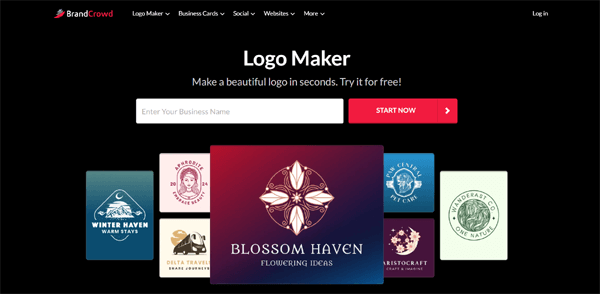
Most logo tools are built for people who already know what they want. Pick a style, enter your business name, download the result. That works well if your brand direction is already clear. But for founders who are still figuring out who they are visually, that process leaves a lot of valuable thinking on the table.
BrandCrowd is built differently. Its logo design tool is exceptionally well-suited to the exploratory phase of brand building, where the goal is not to finalize a logo but to discover one.
With over 380,000 exclusive templates spanning every industry and visual style, it is a platform designed for browsing with intention.
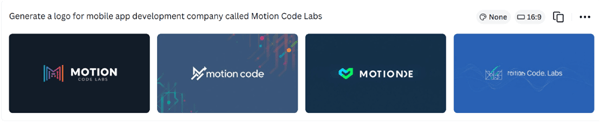
Here are samples for a mobile app development company:
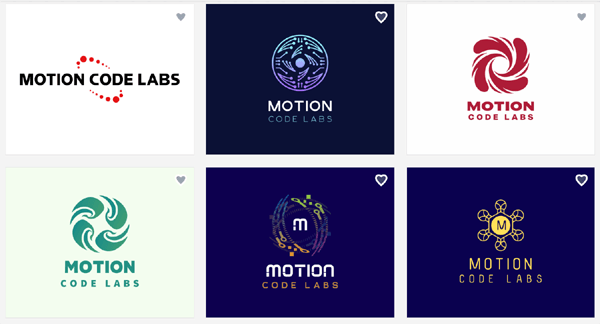
You get a good mix of wordmarks, icons, colors, and fonts that are often seen in the tech industry. Two features make BrandCrowd particularly valuable at this stage. The first is the shortlisting tool. As you browse, you can save favorites to a dedicated list and return to them later.
No need to screenshot and compare in a separate tab. Everything stays organized inside the platform.
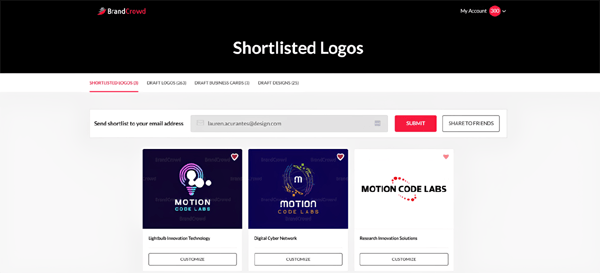
The second is the voting poll feature. Once you have narrowed down a few directions you like, you can share a poll with colleagues, co-founders, or even customers and collect structured feedback before committing to a final direction.
The AI editing experience adds another layer of flexibility. A natural language chat interface handles changes to your icon, text, colors, and layout.
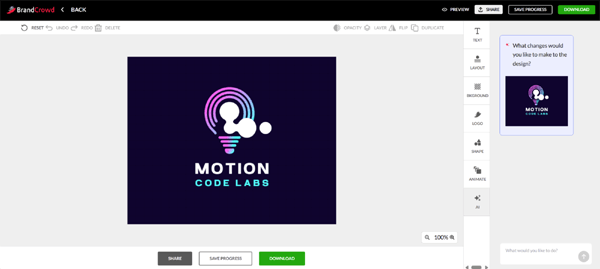
The font library runs to 750+ options, with over 525 exclusive to the platform. Every time you make a change, you are not just tweaking a logo. You are learning more about what your brand actually looks like. That process has real value.
BrandCrowd holds a 4.8 Trustpilot rating across more than 9,000 reviews. Extended licensing is available once you settle on a direction and want to secure exclusivity over your chosen mark.
Bottom line: If you are in the early stages of defining a brand identity and need room to explore, compare, and gather feedback before committing, BrandCrowd gives you the best environment to do that work.
Best for Freelancers: Canva
Freelancers tend to have a different relationship with their logo. For most, it is a personal wordmark or a clean, simple icon. Functional and flexible. Something that gets updated occasionally as their positioning shifts, without requiring a full rebrand every time. They do not need a brand kit engine. They need something fast and familiar that fits into their existing workflow.
Canva fits that profile reasonably well. If you are already using Canva for client deliverables like social media content, pitch decks, or presentations, keeping your logo workflow inside the same tool makes practical sense. The drag-and-drop interface requires no learning curve. The template library is extensive. Export options cover most freelance use cases without friction.
There is an honest caveat worth naming. Canva is a generalist design tool that includes a logo maker. It is not a logo-first platform. SVG file export is essential for print work and scalable web use, and it is locked behind the Pro plan. The AI features are improving, but they do not yet match the specificity of the natural language editing available on Design.com or BrandCrowd.
For freelancers who want a quick, serviceable personal logo without adding a new tool to their stack, Canva works. For anyone prioritizing design quality or long-term brand flexibility, it has a lower ceiling than the tools ranked above it.
Bottom line: Solid for freelancers already living inside the Canva ecosystem. If you are starting fresh, the tools above offer more for a comparable price.
Best for Agencies: DesignCrowd
Agencies occupy a genuinely different position in the logo landscape. They are not building one brand. They are managing dozens of them, often simultaneously, for clients with specific briefs, strong opinions, and formal approval processes. The definition of "best" shifts considerably in that context.
DesignCrowd's crowd-sourced model is built for exactly this kind of work. An agency submits a detailed creative brief. Multiple professional designers respond with original concepts. The client reviews the submissions, provides feedback, and selects a direction. It is slower and more expensive than an AI-driven tool, but for clients who need genuine human creative judgment, that process is a feature rather than a limitation.
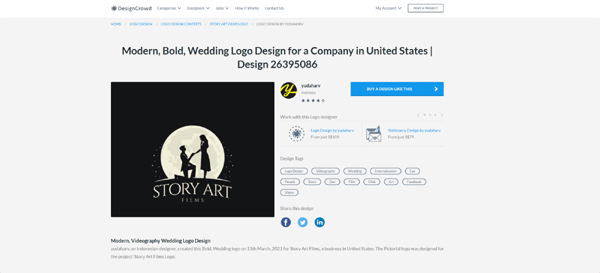
DesignCrowd earns its place in a complex territory. Niche industries, culturally nuanced briefs, and clients with specific visual references that AI Tools struggle to interpret accurately are all areas where the crowdsourced model shines. The result is a logo shaped by deliberate human craft rather than pattern recognition.
The tradeoffs are real. Turnaround is measured in days, not minutes. Cost scales with the complexity of the brief. For agencies managing high logo volume with tighter timelines, a practical approach is to use Design.com for speed-sensitive projects and reserve DesignCrowd for flagship accounts where the creative stakes are highest.
Bottom line: The right choice for agencies handling complex, high-stakes brand identities where human creative direction is essential and the timeline allows for it.
Best for E-Commerce: Shopify Logo Maker
For Shopify merchants, the logo is often the final thing standing between them and a live store. At that moment, speed matters far more than depth. Hatchful, Shopify's native logo tool, is built for precisely that window.
It is free. It is fast. It is frictionless. Answer a short set of onboarding questions, pick a style direction, and you will have a set of usable logo options in under three minutes. For a store that needs something functional before the first product listing goes live, Hatchful delivers.
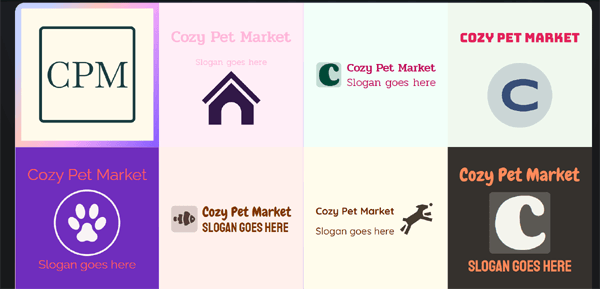
The limitations are worth naming before you commit. Customization options are thin. Vector file support is inconsistent. There is no brand kit to speak of. What you get is a logo file, and not much more. For merchants who are serious about building a brand with longevity, Shopify’s logo maker is a starting line. When the store gains traction and the visual identity starts to matter more, migrating to Design.com's full ecosystem is a logical and well-supported next step.
Bottom line: An effective solution for getting a Shopify store live quickly. Plan to revisit your branding once the business finds its footing.
Choosing the Right Logo Maker for Long-Term Brand Growth
Choosing the right logo maker ultimately comes down to balancing speed, customization, and long-term brand flexibility. Many modern tools now combine AI-generated concepts with manual editing, allowing users to quickly generate ideas and then refine them to better match their vision.
The Platforms listed here stand out because they offer intuitive interfaces, strong template libraries, and scalable design options that work for both beginners and growing businesses. As your brand evolves, selecting a tool that supports high-resolution exports, consistent branding assets, and future edits ensures your logo remains effective across websites, social media, and marketing materials without needing a complete redesign.
Comparison Matrix by Use Case
| Tool | Best For | Template Library | Free Tier | Vector Files | Brand Kit | Website Builder | Starting Price |
|---|---|---|---|---|---|---|---|
| Design.com | Small businesses | 400K+ exclusive | No credit card needed | All plans | Full ecosystem | Built-in | $3/mo |
| BrandCrowd | Branding inspiration | 380K+ exclusive | No credit card needed | All plans | Full ecosystem | Built-in | Free / $3/mo |
| Canva | Freelancers | Large, generalist | Limited | Pro only | Partial | No | Free / $15/mo |
| DesignCrowd | Agencies | Crowdsourced, human | No | Yes | No | No | Project-based |
| Adobe Express | Brand consistency | Thousands of templates | Free plan available | PNG, SVG, PDF | Yes | No | Free / $9.99/mo |
| Hatchful | E-commerce on Shopify | Small | Yes | Inconsistent | No | No (Shopify only) | Free |
Summary: One Platform Works for Almost Everyone
There is real value in matching tools to contexts, and this guide has tried to do that honestly. Get inspiration from BrandCrowd. Canva genuinely serves freelancers. DesignCrowd earns its place for agencies navigating complex briefs. Shopify gets merchants across the launch line.
That said, one platform rises above the rest across every use case on this list.
Design.com is the only tool here that covers the full arc of building a brand. A free logo with no credit card required. A natural language AI editing interface that actually works. An exclusive library of over 400,000 templates. A built-in website builder, domain registration, design and image tools, and physical printing with free delivery. All of it starts at $3 per month when you are ready to commit. No other platform on this list comes anywhere close to that range of capability at that price point.
Whatever stage you are at today, the logo maker at Design.com is where we would point you first. Build your logo, unlock the ecosystem, and let the brand grow from there.
Author Bio: Harry Sharp
A senior content writer for RSH Web with a fondness for composing engaging and informative articles. In addition to...
We’d love to hear your thoughts! Share your experiences or ask any questions in the comments below.
 How the Internet Works
  How IP Addresses
 How Wi-Fi Works
 Node.js Resources
Comments