
cPanel - Metrics - Awstats
"Advanced Web Statistics" is a powerful log analyzer which creates advanced web, ftp, mail and streaming website statistics reports. Data is graphically presented in easy a easy to read format.
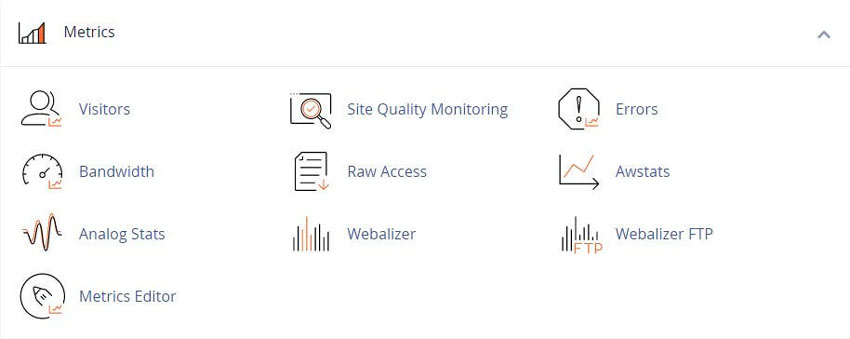
All statistics programs work basically the same. They collect the data the web server log files and display the information in easy to read graphs and lists.
There are two website visitor statistics programs available in cPanel. They are AWStats and Webalizer.
Using Awstats in cPanel
One way to track how many people visit your website. is using cPanel's built-in statistic reports. AWStats is one of the more popular programs. AWStats updates every 24 hours and can be updated instantly when you click the Update Now button.
To use the AWStats traffic statistics for a domain, click "View" for the domain that you wish to view.
A new interface will appear that displays the AWStats traffic statistics for that domain name.
AWStats report gives details about the number of people coming to your website and other information such as:
- • Monthly, daily, and hourly averages in graphs and tables
- • Operating systems
- • HTTP codes
- • The links through which visitors access your website
- • Locales of origin
- • Authenticated users (top 10)
- • Browsers (top 10)
- • Connect to site from
- • Countries (top 25)
- • Files types
- • Hosts (top 25)
- • Hours
- • Monthly history
- • Pages URL (top 25)
- • robots/Spiders visitors (top 25)
- • Search keyphrases (top 10)
- • Search keywords (top 25)
- • Visits duration
Also see AWStats Documentation
Comparison with other log analyzers
Related cPanel Tutorials and How To Guides
Manage, tweak, and increase the security and performance
Tweet Share Pin Email
Add Comment
This policy contains information about your privacy. By posting, you are declaring that you understand this policy:
- Your name, rating, website address, town, country, state and comment will be publicly displayed if entered.
- Aside from the data entered into these form fields, other stored data about your comment will include:
- Your IP address (not displayed)
- The time/date of your submission (displayed)
- Your email address will not be shared. It is collected for only two reasons:
- Administrative purposes, should a need to contact you arise.
- To inform you of new comments, should you subscribe to receive notifications.
- A cookie may be set on your computer. This is used to remember your inputs. It will expire by itself.
This policy is subject to change at any time and without notice.
These terms and conditions contain rules about posting comments. By submitting a comment, you agree with these rules:
- Although the administrator will attempt to moderate comments, not all comments can be moderated at all times.
- You acknowledge that all comments express the opinions of the original author and not those of the administrator.
- You will not post material which is knowingly false, obscene, hateful, threatening, harassing or invasive of privacy.
- The administrator has the right to edit, move or remove any comment for any reason and without notice.
Failure to comply with these rules may result in being banned from submitting further comments.
These terms and conditions are subject to change at any time and without notice.
 Sitejet AI Website Builder vs WordPress
 SiteJet AI Website Builder vs Wix AI
 SiteJet AI Website Builder vs GoDaddy AI
 SiteJet AI Website Builder vs Hostinger AI
Comments