
cPanel - Domains - Aliases
We deprecated this interface in cPanel & WHM version 100, and we removed this interface in version 106. Use the Domains interface to manage addon domains.
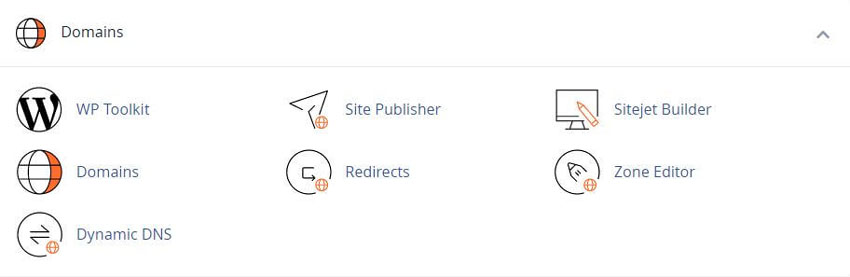
For Older cPanel interfaces
Note: Before you attempt to create a domain alias You must register the domain name with a valid registrar. You must point the domain to RSH Web nameservers.
Create a New Alias
To add a domain alias, enter the domain name in the text box and click Add Domain.
To open the alias domain’s home directory with the File Manager interface click the link that corresponds to that alias under the Domain Root column of the Remove Aliases table.
When you create an addon domain, parked domain, subdomain, or main domain, the system will attempt to automatically secure that domain with the best-available existing certificate. If no certificate exists, the system will generate a self-signed certificate to secure the new domain.
If AutoSSL is enabled for the account that owns the new domain, the system will add a request for an AutoSSL certificate to secure the new domain and install it when available.
Note: You can also create Email Accounts for domain aliases.
Enable or disable domain alias redirection
To enable or disable redirection of a domain alias, perform the following steps:
Click Manage Redirection for the domain alias that you wish to manage.
To redirect the domain, enter the link to which you wish to redirect the domain alias in the text box.
Click Save. To disable the redirection, click Disable Redirection.
Remove Aliases
Note: We strongly recommend that you create a full account backup before you perform this action.
This action only removes the domain alias, its vhost entries, and its DNS entries. The system retains the alias’s directory contents.
To remove an existing domain alias, perform the following steps:
Click Remove for the alias that you wish to remove.
Click Yes to confirm that you wish to remove the domain alias. To retain the domain alias, click No.
Search aliases
To search through the list of domain aliases, enter the search criteria in the Search text box and click Go. Results that match your search criteria will populate the table.
cPanel Learning Resources and How-To Instructions
Industry leading Linux-based website hosting control panel
Tweet Share Pin Email
Add Comment
This policy contains information about your privacy. By posting, you are declaring that you understand this policy:
- Your name, rating, website address, town, country, state and comment will be publicly displayed if entered.
- Aside from the data entered into these form fields, other stored data about your comment will include:
- Your IP address (not displayed)
- The time/date of your submission (displayed)
- Your email address will not be shared. It is collected for only two reasons:
- Administrative purposes, should a need to contact you arise.
- To inform you of new comments, should you subscribe to receive notifications.
- A cookie may be set on your computer. This is used to remember your inputs. It will expire by itself.
This policy is subject to change at any time and without notice.
These terms and conditions contain rules about posting comments. By submitting a comment, you agree with these rules:
- Although the administrator will attempt to moderate comments, not all comments can be moderated at all times.
- You acknowledge that all comments express the opinions of the original author and not those of the administrator.
- You will not post material which is knowingly false, obscene, hateful, threatening, harassing or invasive of privacy.
- The administrator has the right to edit, move or remove any comment for any reason and without notice.
Failure to comply with these rules may result in being banned from submitting further comments.
These terms and conditions are subject to change at any time and without notice.
 Restaurant, Food, Bar and Drink Domains For Your Website
 Sports Domain Name Extensions for your Website
 What Are The Advantages and Benefits of Dot ORG Domains
 Easy Guide For Beginners To Make a Professional Website
Comments